

Connection requests and messages
Send connection requests with or without a note, then follow up with messages once prospects accept. LinkedIn caps connection notes at 300 characters after placeholders are filled in, so keep templates short.
We’re live on Product Hunt
Support usBuzz automates LinkedIn connection requests, messages, InMails, and profile actions from the cloud, and runs them in the same sequence as email and call. Pull prospects from Sales Navigator, LinkedIn posts, events, and groups, then let your AI SDR handle the replies. Agencies can resell it all under their own brand.
Free seat with limited credits and a timed trial. No card needed.

Send connection requests with or without a note, then follow up with messages once prospects accept. LinkedIn caps connection notes at 300 characters after placeholders are filled in, so keep templates short.

Add a Send InMail step to reach people you are not connected to: open profiles, or closed profiles using your Sales Navigator credits. Sending InMail through Buzz requires a Sales Navigator subscription.

Use Perform Action steps to view profiles, follow, or like a prospect’s last 3 posts, and post AI-written comments to warm up a conversation before you message.

Build campaigns from LinkedIn Sales Navigator searches and lists, Recruiter projects, LinkedIn posts, events, groups, and CSV files. Buzz keeps pulling new prospects from your Sales Navigator searches over time.

LinkedIn is one channel in a Buzz campaign, not a separate tool. Find, enrich, write, send, and book from the same workspace.
Mix LinkedIn steps with email steps, phone calls, and voicemail drops (beta, US and Canada). Email and LinkedIn steps run independently: an email still sends if the prospect has not accepted, and a connection request is skipped if you are already connected or have one pending.
Branch your sequence on connection status. Send a LinkedIn message to people who accept, and move everyone else to email or InMail.
Buzz enriches prospects through a data enrichment waterfall that stacks multiple data providers, so you can take a LinkedIn conversation to email or a call.

Turn on the AI Employee to research each prospect, write personalized LinkedIn and email messages, handle replies, and book meetings to your calendar.
LinkedIn and email replies land in the Buzz Inbox, where you can answer, filter by status, and send a Calendly link without switching tools.
Sync with HubSpot, Salesforce, and Pipedrive, book with Calendly, or connect other tools with Zapier and webhooks. See all integrations.
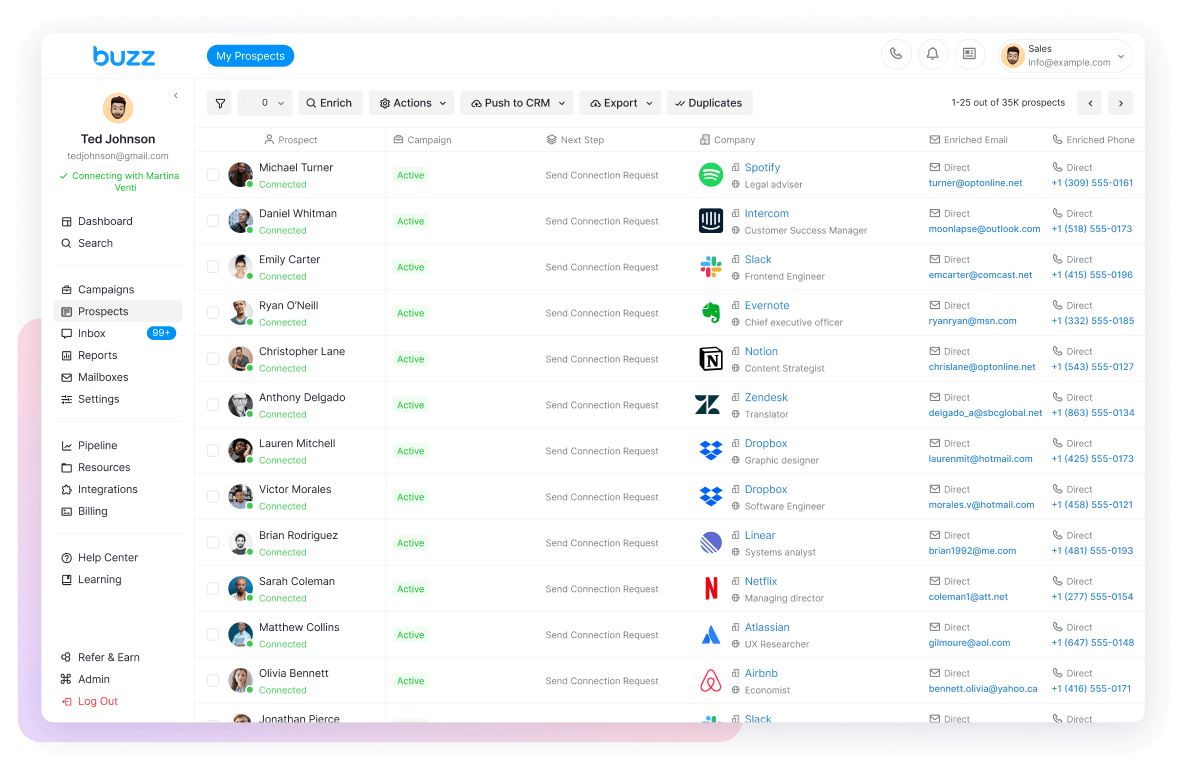
LinkedIn sets its own limits and changes them without notice, so no tool can promise an account will never be restricted. Buzz gives you the controls to stay inside safe ranges. The numbers below come from the Buzz help center guide to LinkedIn limits.
LinkedIn tasks in your campaigns run on Buzz’s servers. Cloud Automation is on by default and included with every Buzz subscription.
Set account-wide limits for connection requests and profile views in Settings → Account Limits, and add a per-campaign cap that stays inside the account limit.
Buzz’s help center recommends 15–25 connection requests per day on a free LinkedIn account, 25–40 on Sales Navigator, and 30–50 on Recruiter, which keeps you under LinkedIn’s typical weekly cap of about 100.
Choose the location your account runs from when you connect it, or use your own proxy. Keeping login locations consistent is one of the ways to lower restriction risk.
Start new or reactivated accounts on lower limits and ramp up over time, spread activity through the day, and withdraw old pending invitations to keep your acceptance rate healthy.
If LinkedIn limits connection requests or InMails, Buzz shows a notification. The help center explains why sending gets limited and what to do if an account is restricted.
Run LinkedIn and email prospecting in one campaign, and hand warm replies to reps. See Buzz for business development reps and sales leaders.
Launch outbound on LinkedIn and email without building a stack or hiring an SDR first. See Buzz for solopreneurs.
Reach candidates from LinkedIn Recruiter projects and Sales Navigator searches with connection requests and follow-ups. See Buzz for recruiters.
Run LinkedIn and email outreach for clients, or sell the platform to them under your own brand.
LinkedIn automation for agenciesAgencies can run LinkedIn outreach for clients, or sell it as their own software. Buzz White Label puts LinkedIn, email, and data under your brand, so clients never see Buzz.
A branded white-label dashboard with your logo, colors, and domain. Clients never see Buzz.
Lock in wholesale rates, set your own retail prices, and keep the margin in between.
Built-in billing lets you charge clients through Stripe with no custom integration.
Manage accounts, monitor usage, and control permissions and client access. Setup takes about 48 hours.
Resell LinkedIn, email, and data in one platform instead of a three-tool stack, and add premium tiers with AI Employees.
Still have a question? Browse the Buzz help center or chat with our team.

Connect your LinkedIn account, pull prospects from Sales Navigator, posts, events, or groups, and launch your first multichannel campaign.
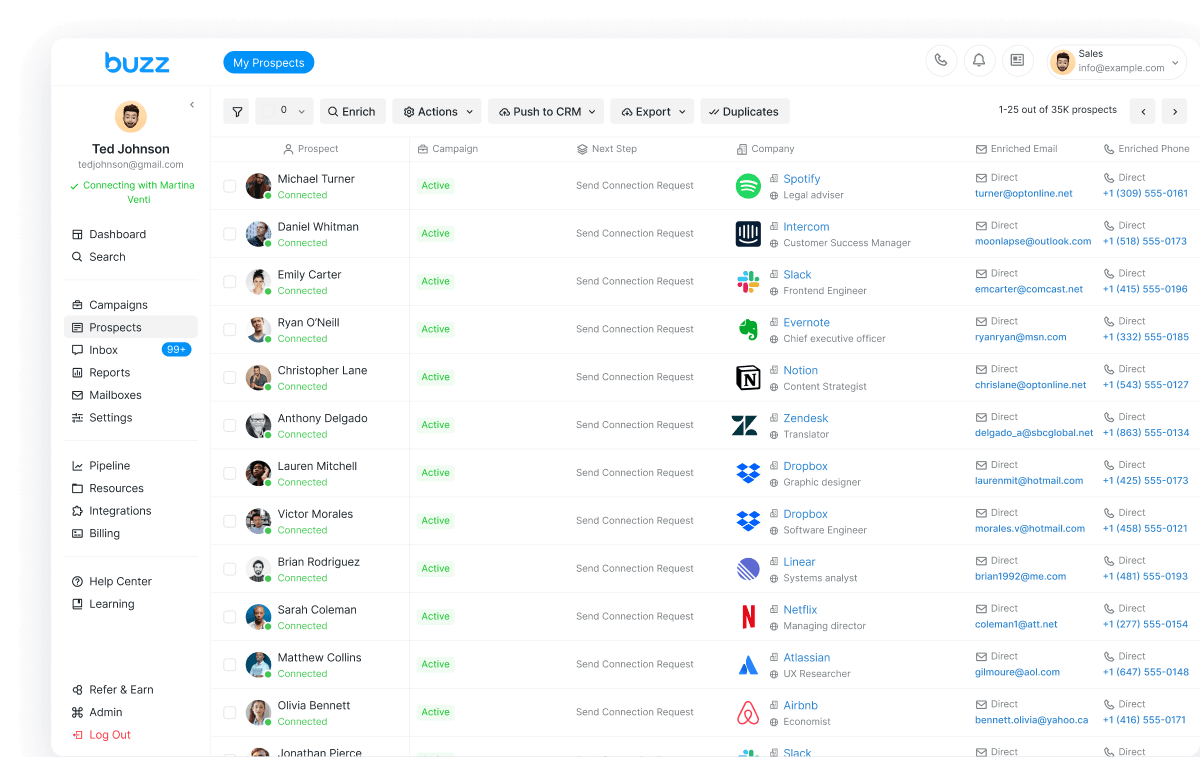
Connect your LinkedIn account, pull prospects from Sales Navigator, posts, events, or groups, and launch your first multichannel campaign.